
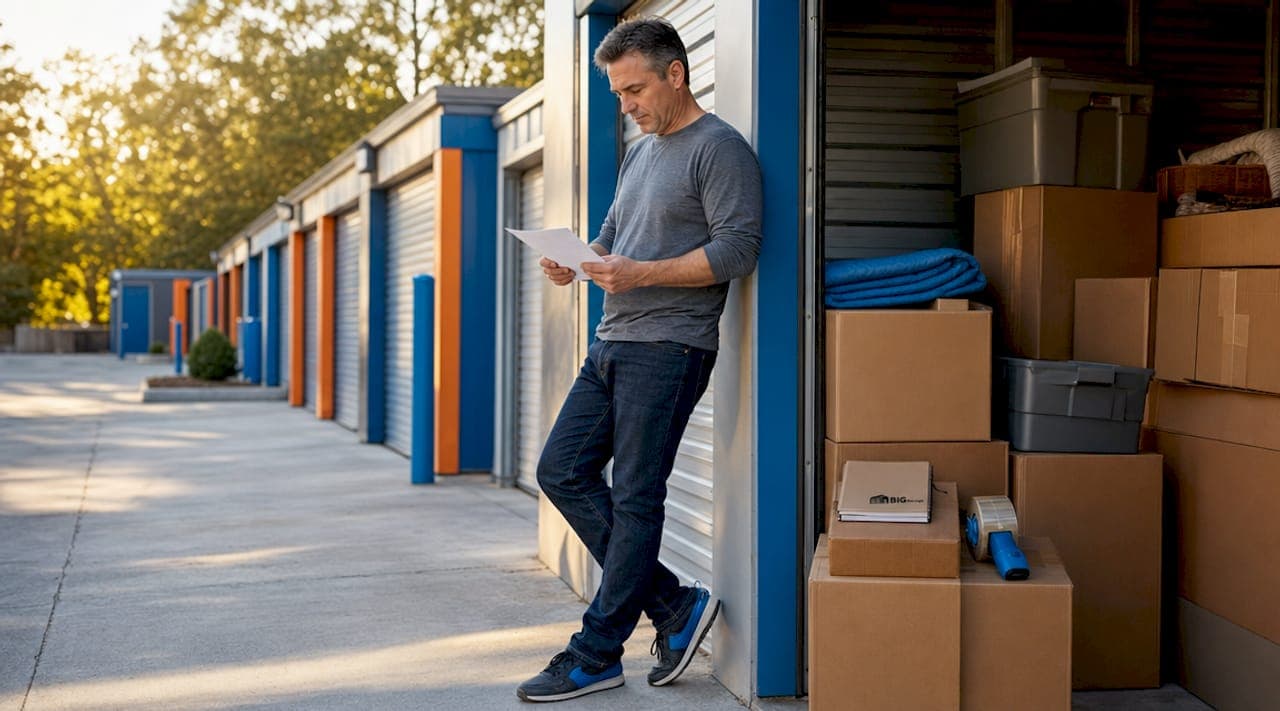
Long-term storage is the practice of keeping possessions or data safe and intact for extended durations beyond regular daily access. Whether you're relocating, downsizing, managing business inventory, or archiving critical files, understanding what is long-term storage explained in full means knowing the conditions, options, and strategies that protect your belongings over months or years. This article covers both physical and digital storage so you can make informed decisions regardless of your situation.
What is long-term storage, and how does it differ from short-term?
Long-term storage refers to keeping items or data in a secure, maintained environment for periods typically exceeding three months. Short-term storage, by contrast, handles temporary needs: a few weeks between moves, seasonal overflow, or a brief project pause. The distinction matters because the conditions, costs, and planning required are fundamentally different.
Key differences between short-term and long-term storage include:
- Duration. Short-term storage runs days to three months. Long-term storage runs three months to several years. The average self-storage tenant stays approximately 18 to 19 months, which confirms that most renters are managing genuinely long-term needs, not temporary gaps.
- Usage frequency. Short-term renters access their unit often. Long-term renters may visit only a few times per year, which means the unit must maintain conditions independently without regular human intervention.
- Environmental requirements. Short-term storage can tolerate standard conditions. Long-term storage demands tighter control over temperature, humidity, and security to prevent gradual degradation.
- Planning depth. Long-term storage requires proper inventorying, insurance consideration, and preparation of items before they go in. Short-term storage rarely demands that level of detail.
A common misconception is that any storage unit qualifies as long-term simply because you rent it for a long time. The unit's features, not just the rental duration, determine whether your belongings survive intact. A standard unit that reaches extreme temperatures in summer can warp wood furniture and crack electronics within a single season.
What are the best long-term physical storage options?
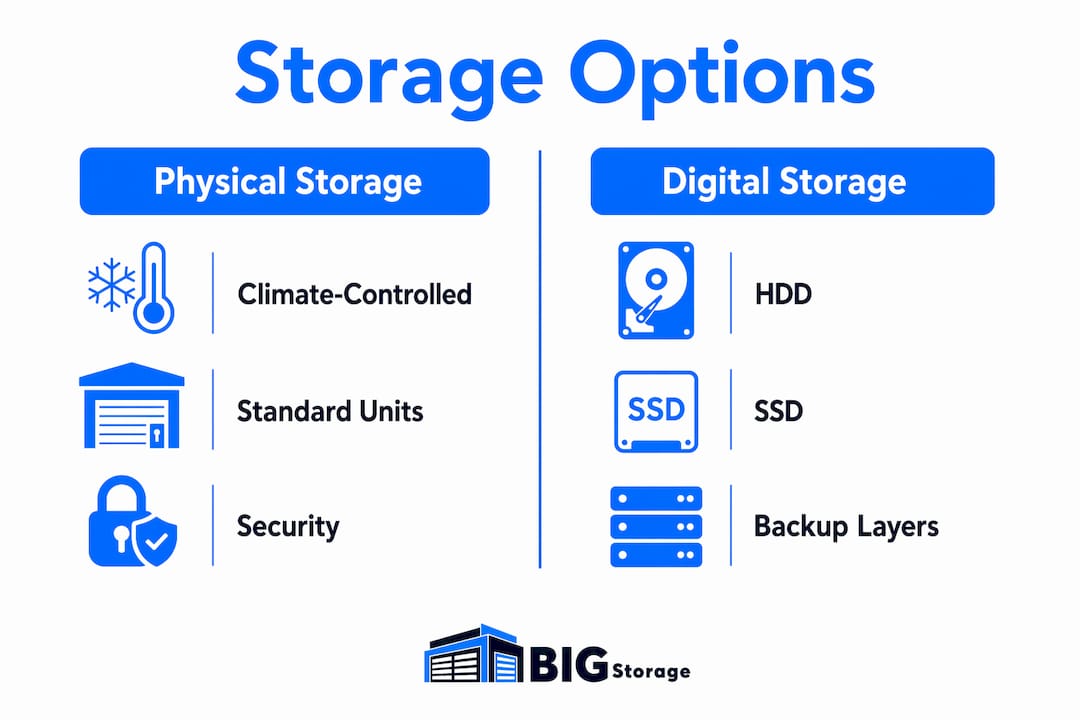
Physical storage options for long-term use fall into two primary categories: climate-controlled units and standard drive-up units. Choosing between them depends on what you're storing and where the facility is located.
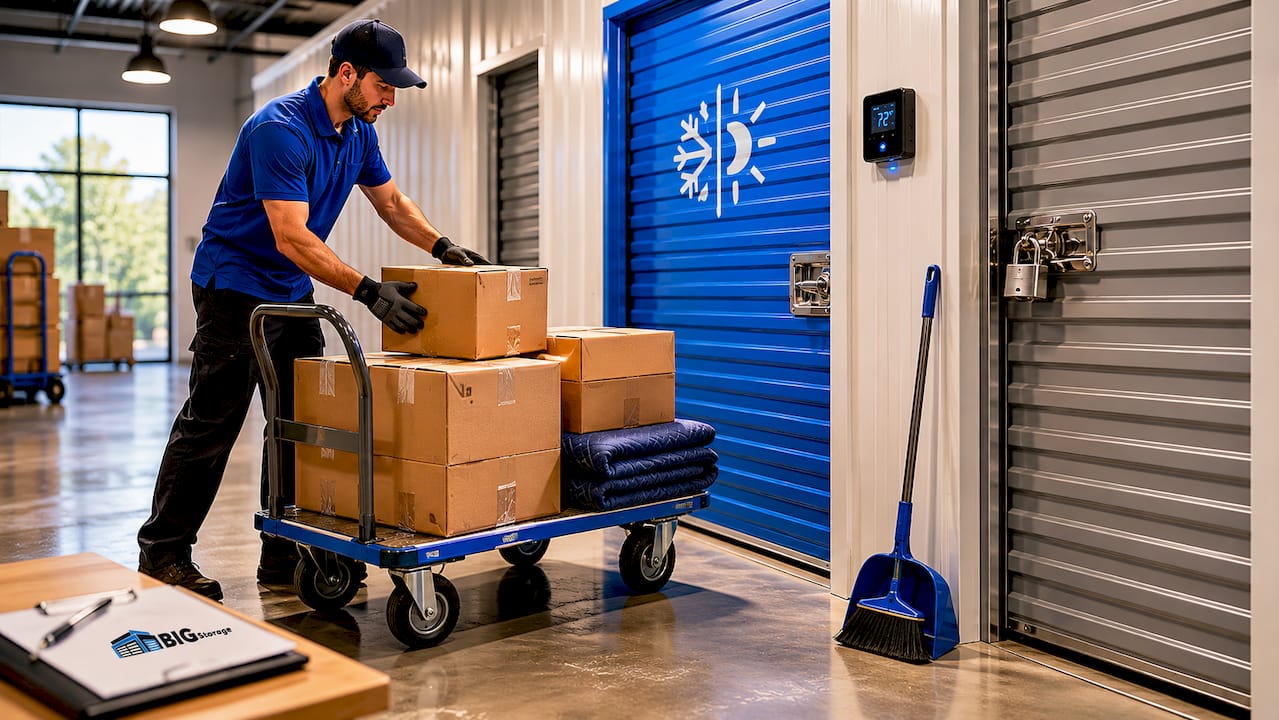
Climate-controlled vs. standard units
Climate-controlled storage prevents heat and humidity damage to sensitive belongings like wood furniture, electronics, photographs, and antiques. Standard units can reach extreme temperatures that cause warping, cracking, mold growth, and adhesive failure on photos. If you're storing anything organic, electronic, or paper-based for more than three months, climate control is not optional. It's the baseline requirement.
Climate-controlled units cost roughly 25 to 50% more than standard units, but demand for them is growing as renters become more educated about preservation risks. That price premium is worth it for irreplaceable items. For metal tools, plastic bins of seasonal clothing, or outdoor equipment, a standard unit is usually sufficient.
| Item type | Recommended unit | Reason |
|---|---|---|
| Wood furniture, antiques | Climate-controlled | Prevents warping, cracking, and mold |
| Electronics, cameras | Climate-controlled | Avoids heat and humidity damage |
| Documents, photos | Climate-controlled | Stops adhesive failure and yellowing |
| Outdoor equipment | Standard | Tolerates temperature variation |
| Seasonal clothing (sealed bins) | Standard | Low sensitivity to mild fluctuations |
Pro Tip: Before loading a unit, photograph every item and create a written inventory. GEICO recommends this practice to verify insurance coverage and simplify retrieval. It also protects you in any dispute about item condition.
Security features to look for
Long-term storage facilities should offer 24/7 surveillance, individual unit alarms, and gated access with unique entry codes. Because you won't be visiting frequently, the facility's security infrastructure carries the full burden of protecting your belongings. Ask specifically about lighting, perimeter fencing, and whether staff are on-site during access hours.
Unit size selection also matters. Overpacking a unit to save money is one of the most common mistakes in long-term storage. Crushed boxes, stacked furniture, and blocked airflow all accelerate damage. Choose a unit that lets you walk in, access items without unpacking everything, and maintain clear air circulation throughout.
How does long-term digital data storage work?
Long-term digital storage, often called cold storage in IT and archival settings, involves keeping data without frequent access, sometimes without power, for years or decades. The risks are less visible than physical damage but equally serious: bit rot, magnetic decay, and charge leakage can silently corrupt files with no warning.
HDD vs. SSD for archival storage
HDDs retain magnetically stored data for 5 to 10 years under stable conditions, making them a more predictable archival choice. SSDs, while faster and more durable for active use, suffer from charge leakage in NAND flash memory when left unpowered for extended periods. An SSD stored without power for two or more years may lose data before you ever plug it back in.
| Storage medium | Retention period (unpowered) | Best use case |
|---|---|---|
| HDD (hard disk drive) | 5 to 10 years | Long-term archival, cold storage |
| SSD (solid-state drive) | 1 to 3 years | Active use, short-term backup |
| Optical media (M-DISC) | 100+ years (claimed) | Ultra-long archival, rarely accessed |
| Magnetic tape (LTO) | 30+ years | Enterprise-scale cold storage |
Pro Tip: A layered storage approach combining HDD for archival, SSD for active use, and at least one off-site backup is the most reliable strategy for long-term digital preservation. No single medium is failure-proof.
The interpretability problem
Preserving bits is only half the challenge. Long-term archives fail when future users lack the documentation or software to decode stored formats. A perfectly intact file from 1995 saved in a proprietary format may be completely unreadable today. This means long-term digital storage requires metadata, format documentation, and periodic migration to current standards. Bit preservation without interpretability is not preservation at all.
Long-term archives must be designed to remain accessible despite technology changes. That means using open file formats like PDF/A for documents, TIFF for images, and FLAC for audio, and scheduling regular validation checks to catch degradation before it becomes total loss.
Common pitfalls to avoid in long-term storage
Most long-term storage failures are preventable. They result from decisions made at the start that seem minor but compound over months and years.
- Skipping climate control for sensitive items. Wood, leather, photographs, and electronics all degrade faster than most people expect in uncontrolled environments. One summer in a hot standard unit can do permanent damage.
- No inventory documentation. Storing items without photos or a written list makes retrieval chaotic and leaves you without proof of condition if an insurance claim arises. Photographing belongings before storage is one of the simplest protective steps available.
- Overpacking boxes and units. Crushed boxes fail structurally. Stacked furniture shifts and scratches. Poor packing accelerates damage regardless of how good the unit is.
- No insurance coverage. Many renters assume their homeowner's or renter's insurance covers stored belongings. Coverage varies significantly by policy. Confirm your coverage before signing a lease, and consider a dedicated storage protection plan.
- Treating digital storage as set-and-forget. Long-term data storage requires ongoing validation and updates. Experts recommend checking archived drives annually and migrating data every five to seven years to prevent format obsolescence and media failure.
- Choosing a facility based on price alone. The cheapest unit rarely offers the security, cleanliness, or climate control that long-term storage demands. A facility with 24/7 surveillance, gated access, and responsive staff costs more for a reason.
Preparation before storage matters as much as the storage conditions themselves. Clean furniture before storing it. Drain fuel from equipment. Wrap fragile items in acid-free materials. Disassemble large pieces to reduce stress on joints. These steps take an hour but prevent years of regret.
Key takeaways
Long-term storage protects belongings and data over months to years, but only when the right conditions, media, and maintenance practices are in place from the start.
| Point | Details |
|---|---|
| Duration threshold | Long-term storage begins at roughly three months and commonly extends to 18 months or more. |
| Climate control matters | Sensitive items like wood, electronics, and photos require climate-controlled units to survive extended storage. |
| HDD beats SSD for archiving | HDDs retain data for 5 to 10 years unpowered; SSDs degrade faster without power. |
| Inventory everything | Photograph and document all stored items before move-in to support insurance claims and retrieval. |
| Digital storage needs maintenance | Validate archived drives annually and migrate data every five to seven years to prevent loss. |
What I've learned after years of watching people store things wrong
I've seen the same mistakes repeat across every type of storage situation. Someone packs a climate-sensitive unit with irreplaceable furniture, skips the climate-controlled upgrade to save $30 a month, and returns two years later to warped wood and mold. Someone else stores a decade of business records on a single external SSD, leaves it unpowered in a drawer, and discovers years later that charge leakage has corrupted half the files.
The pattern is consistent: people treat storage as a passive act. You put things away, and they stay safe. That assumption is wrong for both physical and digital storage. Physical belongings need the right environment maintained continuously. Digital files need active validation, format migration, and redundancy. Storage is not a destination. It's an ongoing responsibility.
What surprises most people is how affordable the right approach actually is. Climate-controlled units cost more upfront, but the cost of replacing damaged antiques, electronics, or documents dwarfs the price difference. A layered backup strategy using HDDs and off-site copies costs less than most people spend on streaming subscriptions. The barrier is almost never cost. It's the assumption that nothing will go wrong.
My honest recommendation: before you store anything for more than three months, spend one hour planning. Inventory your items, confirm your insurance, choose the right unit type, and set a calendar reminder to check in every six months. That hour prevents the kind of loss that takes years to recover from.
— James
Store with confidence at Rentbigstorage
Rentbigstorage operates multiple facilities across the Gulf Coast, including locations in Gulfport on Pass Road, Ocean Springs, Pascagoula, and Vancleave. Each facility offers 24/7 surveillance, automated gate access, and a range of unit sizes from small seasonal spaces to large household units. Whether you need a climate-controlled unit for furniture and electronics or a drive-up unit for equipment and inventory, Rentbigstorage has options sized to your situation. Browse all available storage locations to find the facility closest to you, and review tenant protection plans to keep your belongings covered for the full duration of your rental.
FAQ
What is the minimum duration for long-term storage?
Long-term storage generally begins at three months, though the average self-storage tenant stays approximately 18 to 19 months. Any storage need extending beyond 90 days warrants the planning and conditions associated with long-term storage.
Do I need climate control for long-term storage?
Climate control is necessary for wood furniture, electronics, photographs, documents, and antiques stored for more than a few months. Standard units can reach temperatures that cause warping, cracking, and mold, making climate control the safer choice for sensitive belongings.
How long can a hard drive store data without being powered on?
HDDs can retain data for 5 to 10 years under stable environmental conditions when unpowered. SSDs are less reliable for long-term archival because charge leakage in NAND flash memory degrades stored data faster without a power source.
Does homeowner's insurance cover items in a storage unit?
Coverage varies by policy. Many homeowner's and renter's insurance policies offer limited or partial coverage for stored belongings. Confirm your specific coverage before signing a storage lease, and consider a dedicated tenant protection plan for full peace of mind.
How often should I check on items in long-term storage?
Physical storage units should be visited at least every six months to check for moisture, pests, or shifting. Digital archives should be validated annually, with full data migration to current media and formats every five to seven years.